Meet Resurf: The Mac App That Turns Clutter Into a Visual Library
Resurf is a local-first Mac app that lets you capture notes, links, images, and voice in seconds — then resurface them exactly when you need them.
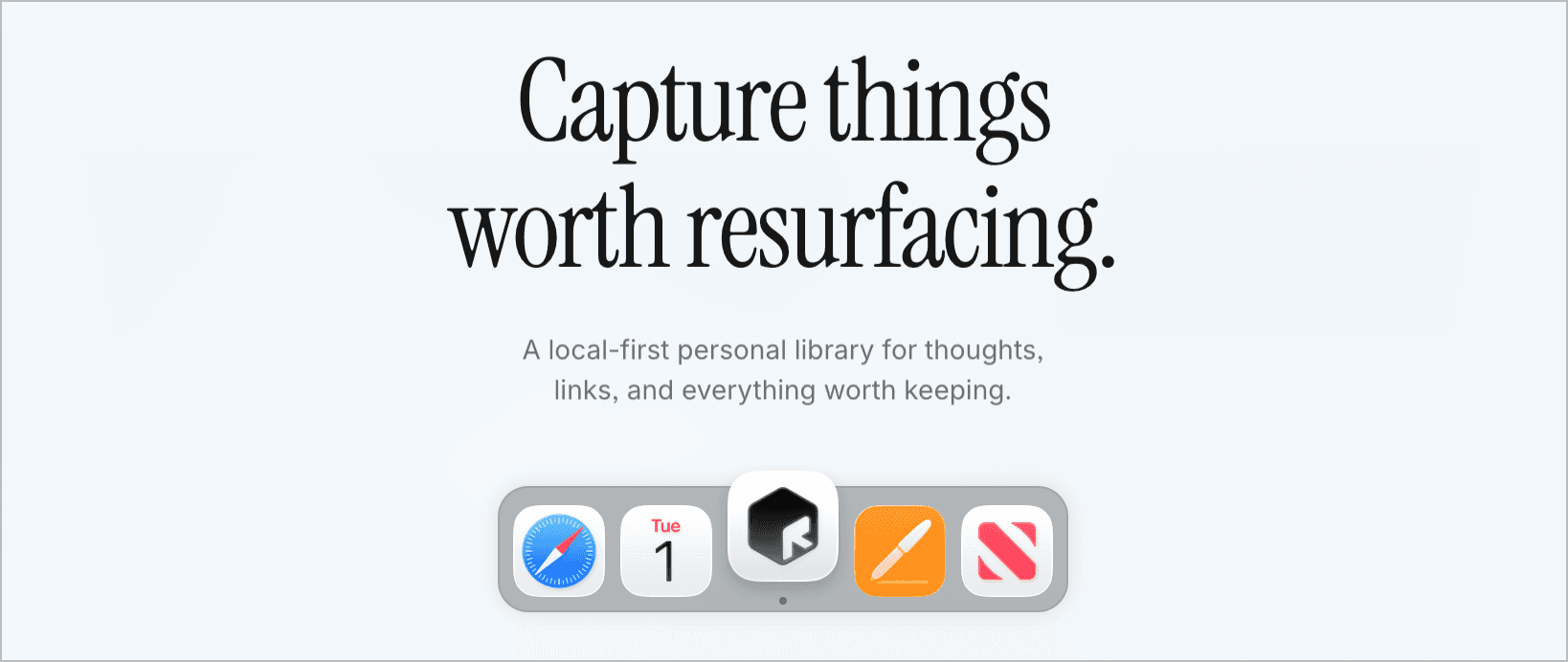
We save everything. We find almost nothing.
You read a great article during lunch. You screenshot a quote from a podcast. You jot a half-formed idea into your Notes app at midnight. A week later, all of it has vanished into the noise - buried in tabs, scattered across apps, or forgotten entirely.
The problem was never capturing. It was finding things again when they actually mattered.
Resurf is a new Mac app built around that single frustration. It’s a local-first personal library for thoughts, links, images, voice notes, and anything else worth holding onto. It’s currently in beta, free to try, and worth a closer look.
How it works
Resurf sits quietly in the background until you need it. A keyboard shortcut pulls up a capture window - drop in a link, type a note, paste an image, or record a quick voice memo. The whole interaction takes seconds.
Everything you capture lands in a visual library designed to make rediscovery easy. Think of it less like a filing cabinet and more like a curated feed of your own best finds and ideas.
A few features that stand out:
Instant capture - A global shortcut grabs notes, links, images, and voice without switching apps.
Spotlight-style search - Find anything you’ve saved with a fast, system-wide search bar.
Inbox-first workflow - New captures land in an inbox by default, so nothing gets misfiled in the moment. Organize later, on your terms.
Filters by type and date - Narrow down your library by content type, when you saved it, and more.
In-app web view - Open and read saved links without leaving Resurf.
Your data stays on your Mac
This is the detail that separates Resurf from most productivity tools in 2026. It’s local-first. Your notes, links, and files live on your machine - nothing is uploaded to a server or shared unless you explicitly choose to do so.
In an era where every app wants cloud sync and account creation, Resurf takes the opposite stance: your personal library is personal.
Who is it for?
Resurf fits anyone who collects more information than they can organize - researchers, writers, designers, developers, students, or the chronically curious. If you’ve ever thought “I know I saved that somewhere,” this app is trying to make sure the answer is always the same place.
Getting started
Resurf is free to download on macOS 14 and above, with a paid license available for those who want to support ongoing development. An iPhone app is listed as coming soon.
You can grab it at resurf.so.
Read more:


Load More
Our Sponsor: